Plans, Credits, and Support
This guide explains how plan limits, AI credits, and support work inside StoreFactory.
Understand your plan
Your plan affects what is available in your workspace.
Depending on your subscription, this can include:
- monthly AI credits
- team member limits
- custom domain support
- support level
- other operational allowances
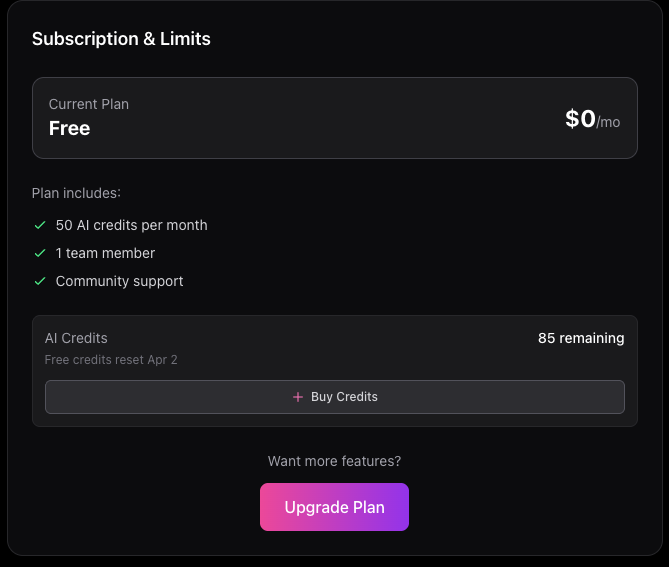
You can review your current plan from the dashboard.
AI credits
AI credits power editor activity and related AI workflows.
Keep an eye on your credit balance if you use the editor often.
If your credits run low or hit zero:
- buy more credits if top-ups are available on your account
- reduce non-essential editing sessions
- wait for your reset date if your plan includes a recurring allowance
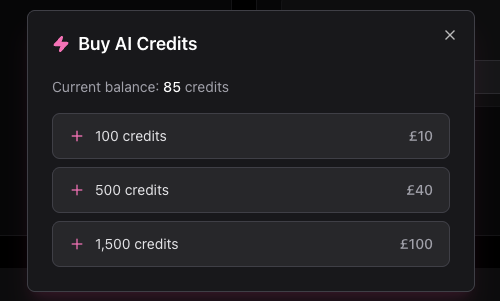
Buying more credits
If credit top-ups are enabled for your account:
- Open the Subscription & Limits area.
- Select Buy Credits.
- Choose the package that fits your needs.
- Complete checkout.
After purchase, your balance should update for future editing sessions.
Free vs paid support
Support works differently depending on your plan.
Free accounts
Free users are directed to community support.
This is best for:
- general questions
- basic guidance
- getting unstuck with standard workflows
Paid accounts
Paid users can access the Support area for direct help.
Depending on your setup, you may also have:
- a dedicated contact
- ticket history
- response-time expectations
- richer implementation support
Create a support request
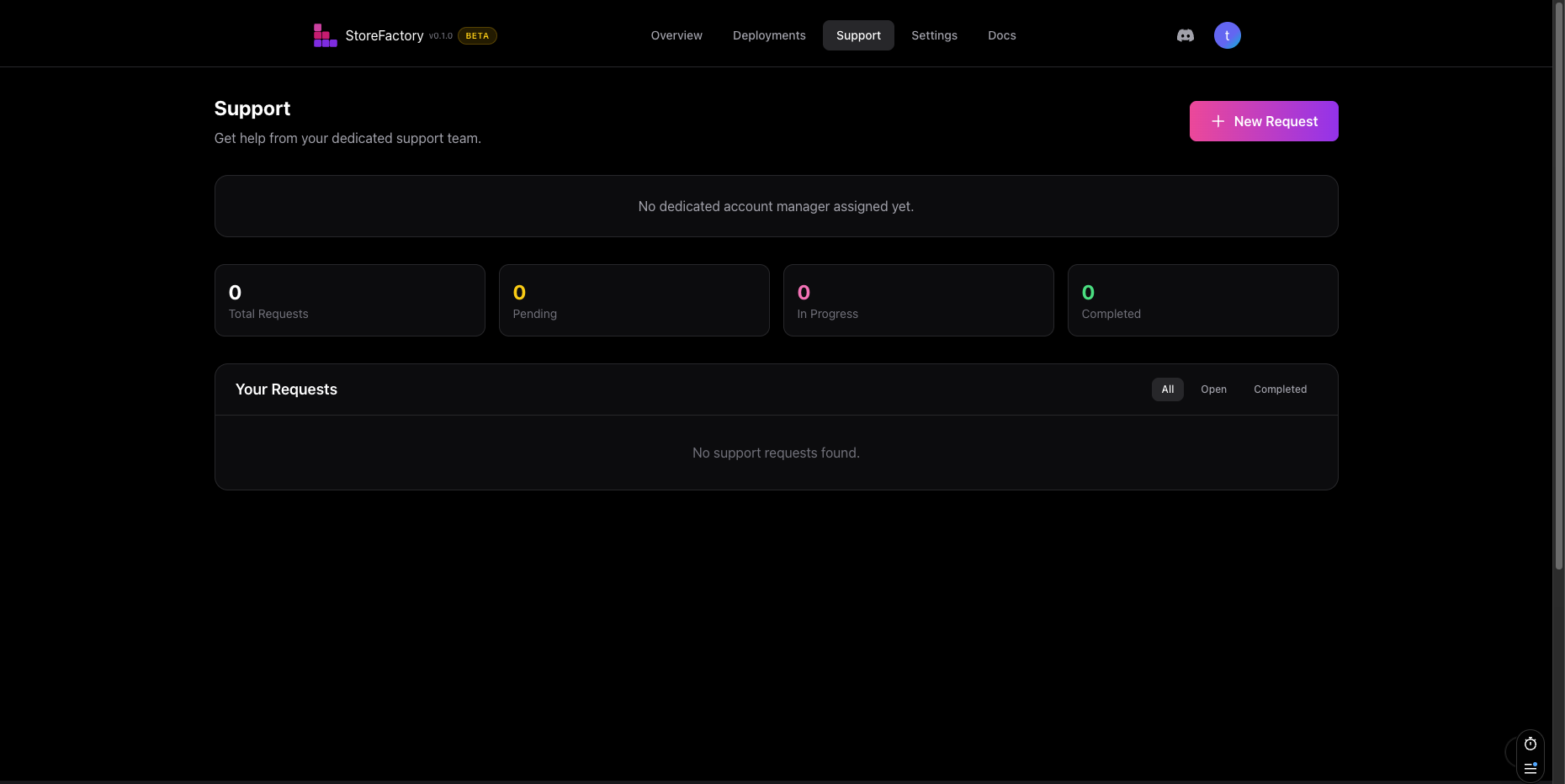
Use the Support page when you need help from the StoreFactory team.
The normal flow is:
- Open Dashboard → Support.
- Click New Request.
- Choose the best category.
- Add a clear title and description.
- Set the priority.
- Submit the request.
Typical categories include:
- Payment Methods
- Shipping & Delivery
- Design & Branding
- New Features
- Integrations
- Bug Report
- Content Updates
- Other
Track support status
After you submit a request, track it from the Support page.
Common statuses include:
- Pending
- In Progress
- Completed
Use the request history to review what has already been asked for and what is still open.
When to contact support immediately
Open a request as soon as possible if:
- a live store issue affects checkout or customer experience
- a deployment appears stuck or failed
- a domain has not verified after the expected setup window
- an integration cannot be connected
- billing or access looks incorrect
Quick troubleshooting guide
The editor is not responding as expected
Check:
- whether you still have credits available
- whether your request is specific enough
- whether a previous change is still applying
A deployment looks stuck
Check:
- the Deployments page
- whether the latest deployment is still in progress
- whether the live storefront reflects the change
If it stays blocked, contact Support.
A domain is still pending
Check:
- whether the correct domain was submitted
- whether DNS work is still in progress
If it does not move to active in the expected window, contact Support.
An integration will not connect
Check:
- the credentials you entered
- whether all required fields were completed
- whether the status is still pending or has moved to error
If needed, submit a support request with the integration name and what you already tried.
Final recommendation
If you're ever unsure where to do something:
- storefront changes → Store Editor
- commerce operations → Medusa Admin
- release checks → Deployments
- account preferences → Settings
- anything blocked or business-critical → Support