Docs
StoreFactory User Docs
Welcome to the StoreFactory user docs. This guide is written for store owners, operators, and internal teams who use StoreFactory day to day.
StoreFactory helps you:
- create and refine a storefront with AI
- preview changes before publishing
- connect integrations
- manage products, orders, and customers
- track deployments and request support
Start here
Read these guides in order:
- Getting Started
- Using the Store Editor
- Managing Your Store
- Plans, Credits, and Support
- Medusa User Docs
Specific Guides
Use these more focused, task-level guides when you need a fast operational checklist:
- Homepage Refresh Checklist
- Integration Install Checklist
- Deployment QA Checklist
- Support Request Templates
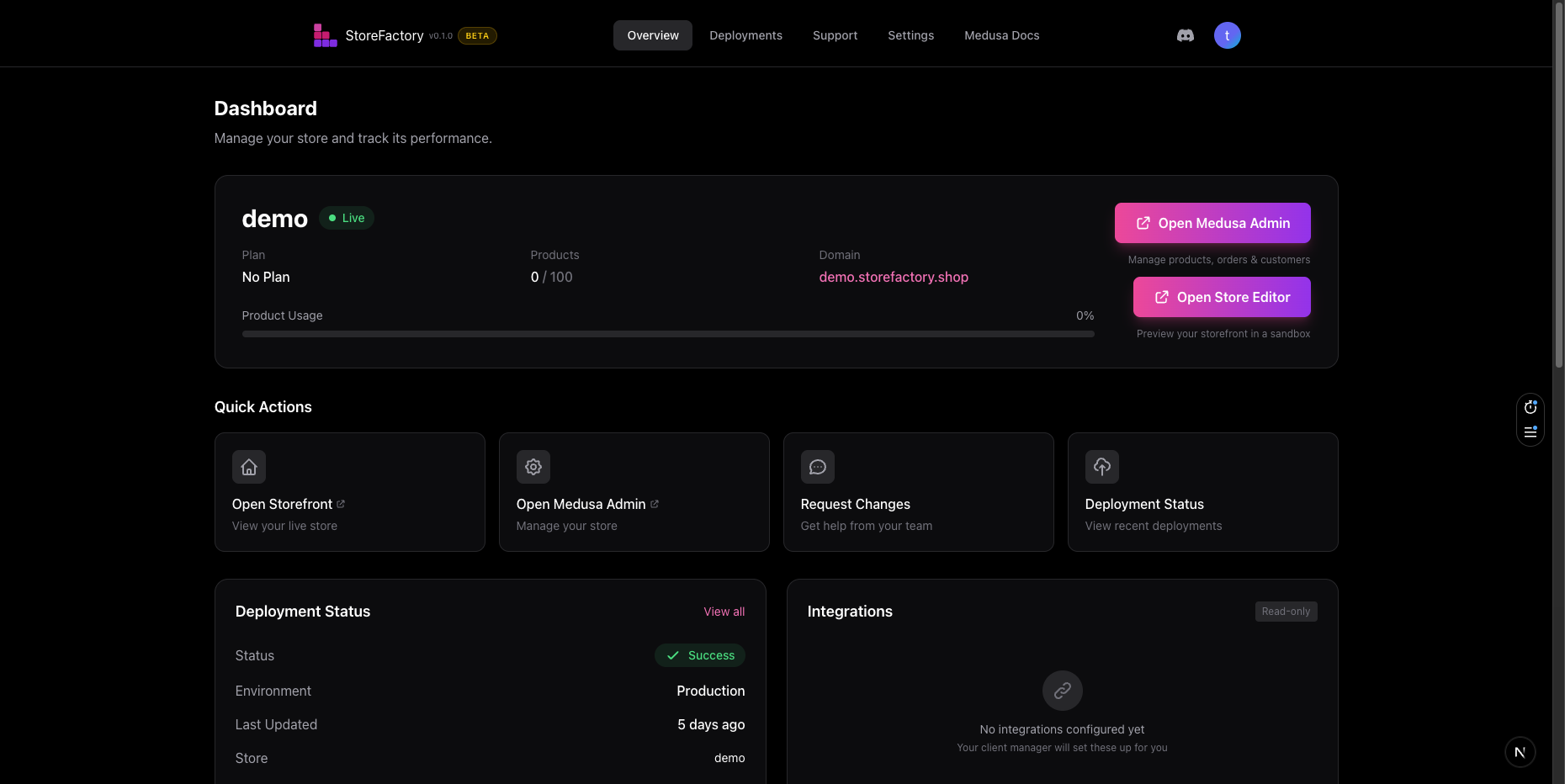
How StoreFactory works
- Sign in and open your dashboard.
- Wait for your store to move from Provisioning or Building to Live.
- Open the Store Editor and describe the change you want in plain English.
- Review the live preview and refine the result with follow-up prompts.
- Install or configure integrations when needed.
- Deploy approved changes.
- Use Medusa Admin for products, orders, and customer management.
Where to do common tasks
| Task | Where to go |
|---|---|
| Create or revise the storefront | Store Editor |
| Preview in-progress changes | Store Editor preview panel |
| Install or configure integrations | Store Editor → Integrations |
| Manage products, orders, and customers | Medusa Admin |
| Check deployment history | Dashboard → Deployments |
| Update notifications and review store details | Dashboard → Settings |
| Ask for help or request work | Dashboard → Support |
What you manage vs what StoreFactory manages
You manage
- the direction for your storefront
- content and design requests in the editor
- product, order, and customer operations in Medusa Admin
- notification preferences and day-to-day review
StoreFactory manages
- the underlying infrastructure
- deployment pipelines
- parts of domain setup and verification
- support workflows and higher-touch implementation help
Before you start making changes
Keep these rules in mind:
- Use the Store Editor for storefront design, layout, and UX changes.
- Use Medusa Admin for catalog and operational changes.
- Use Support when you need help with integrations, billing, domain work, or larger requests.
- Check Deployments whenever you want to confirm that a change is live.